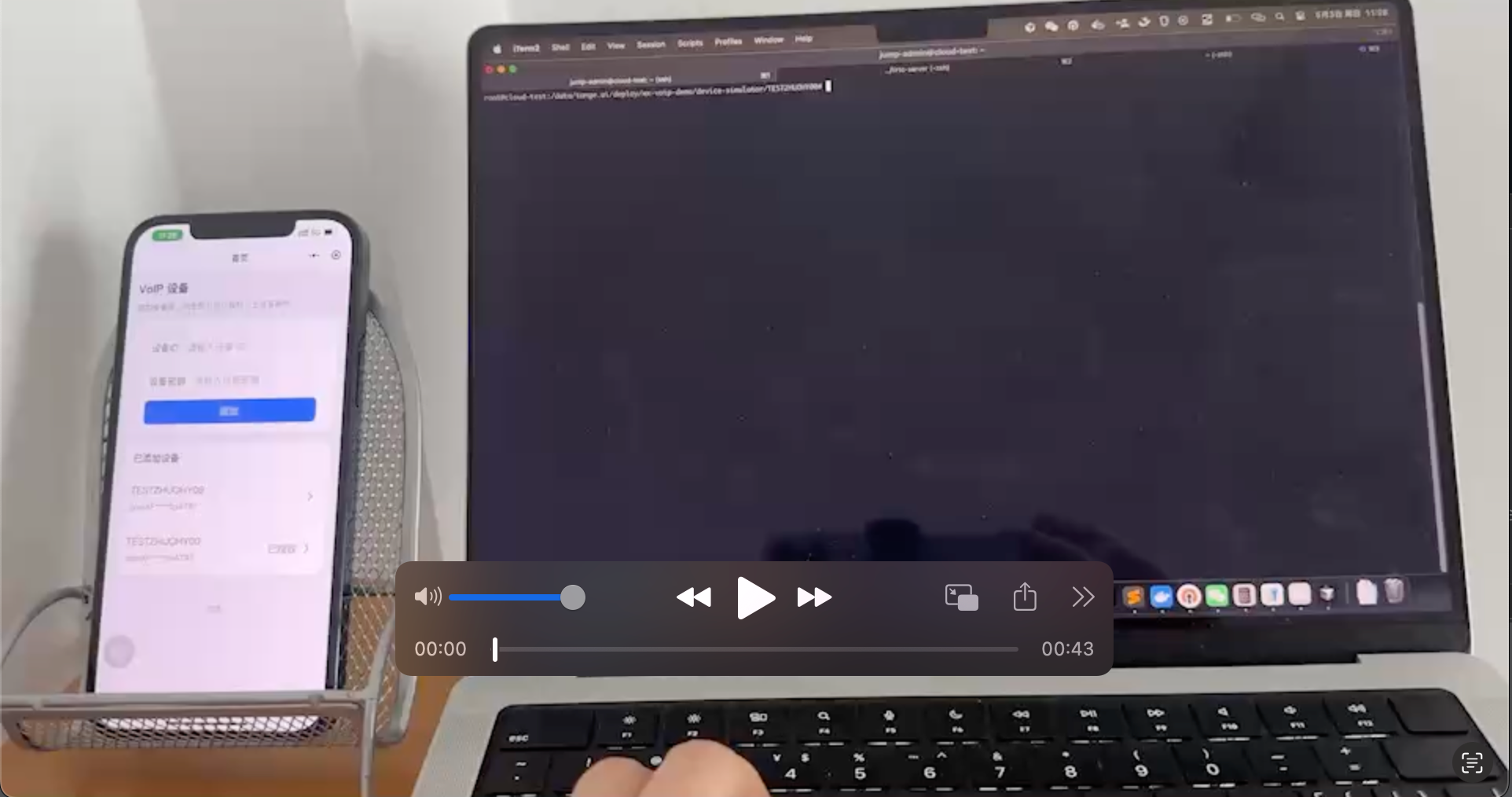
Try the Tange demo
To get started, contact Tange platform staff at openapi@tange.ai to obtain a trial device ID (device_id) and device secret key (device_secret_key).
Start the device simulator
Download device simulator 2.3.2 with TiRTC 2.3.0:
After extracting the archive, enter the device-simulator directory and run:
./wxvoip-device-simulator.out \
    --device-id '<xxxxxxx>' \
    --device-secret-key '<device_secret_key>' \
    --auto-answer
Scan the QR code to open the Mini Program

Main steps:
- In the Mini Program, add the device ID and device secret key.
- In the Mini Program, open the device, tap authorize (authorize the device to call the Mini Program), then tap report (upload the user’s
openidto the device; you must tap report again after each device simulator restart because the demo does not persist the useropenid). - Call the device from the Mini Program, or call the Mini Program from the device simulator.
- Answer on the other end as prompted by the UI; the device simulator echoes the audio/video from WeChat as-is.